> For the complete documentation index, see [llms.txt](https://wiki.project-fika.com/llms.txt). Markdown versions of documentation pages are available by appending `.md` to page URLs; this page is available as [Markdown](https://wiki.project-fika.com/installing-fika/installation.md).
# Installation steps
{% stepper %}
{% step %}
### Download [Fika-Installer](https://github.com/project-fika/Fika-Installer/releases/latest)
{% endstep %}
{% step %}
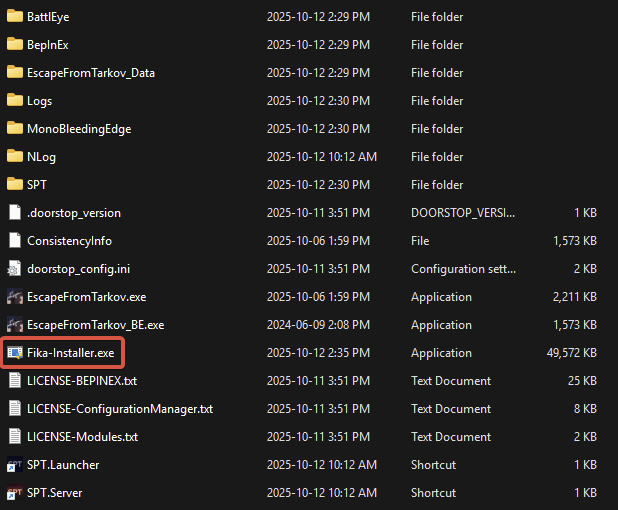
### Copy `Fika-Installer.exe` to the root of your SPT install folder
Do not copy inside `SPT` folder!
{% endstep %}
{% step %}
### Start `Fika-Installer.exe`
If you get an admin rights prompt, this is normal. Fika-Installer requires admin rights to set up the firewall rules.
{% endstep %}
{% step %}
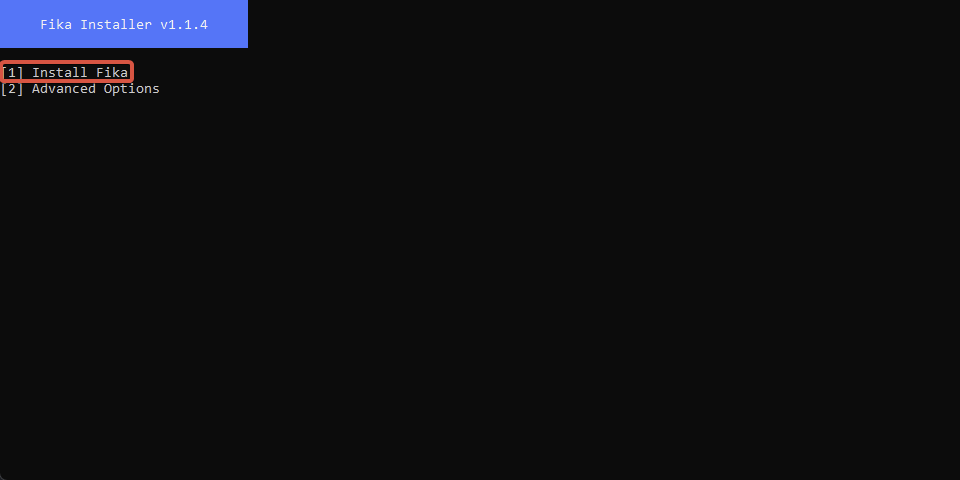
### Choose `Install Fika`
{% endstep %}
{% step %}
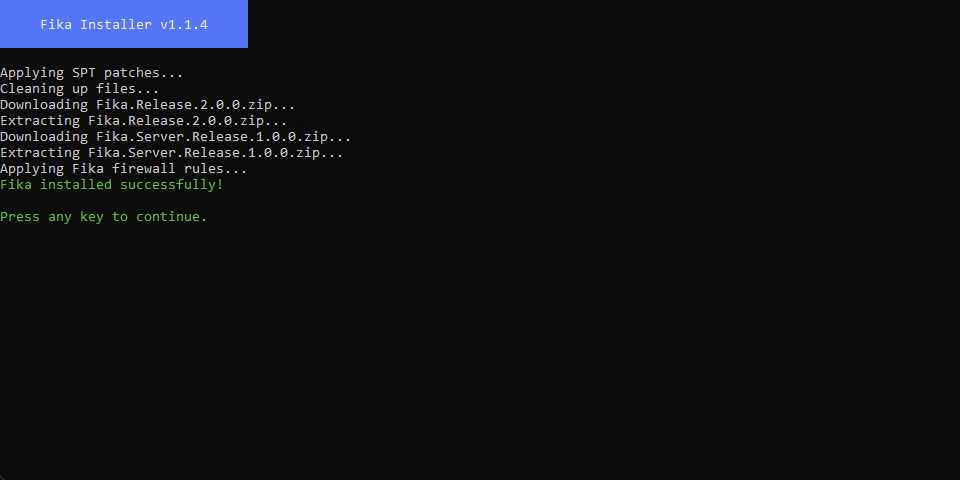
### Close `Fika-Installer` when installation is completed
{% endstep %}
{% step %}
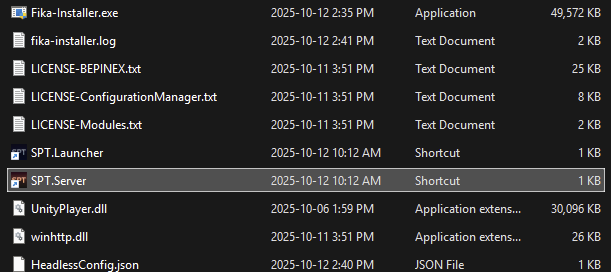
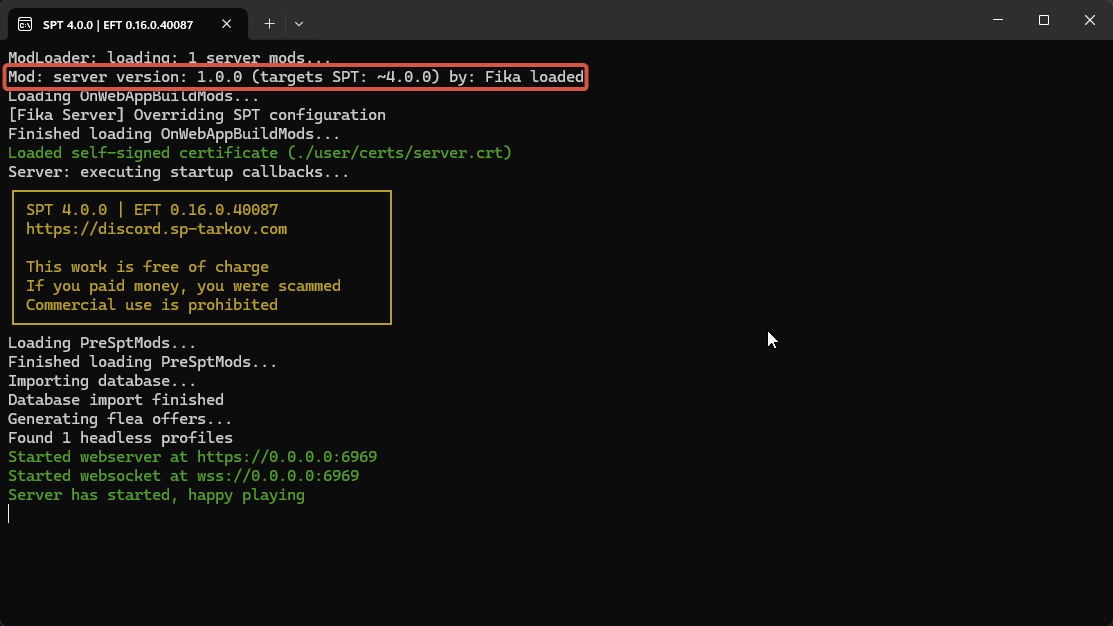
### Start `SPT.Server`
You should see `Mod: server version: x.x.x (targets SPT: 4.x.x) by: Fika loaded`.
{% endstep %}
{% step %}
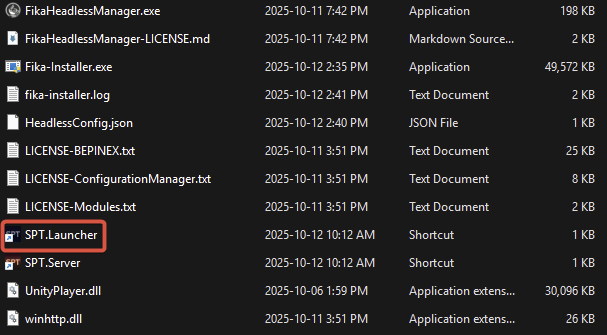
### Start `SPT.Launcher`
{% endstep %}
{% step %}
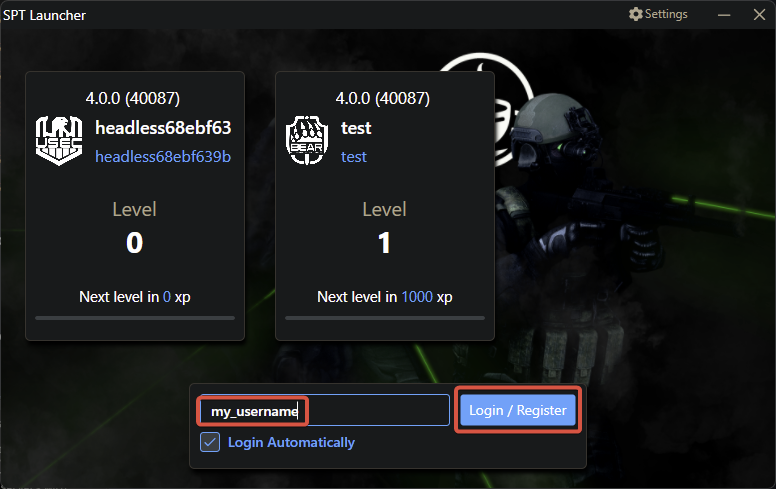
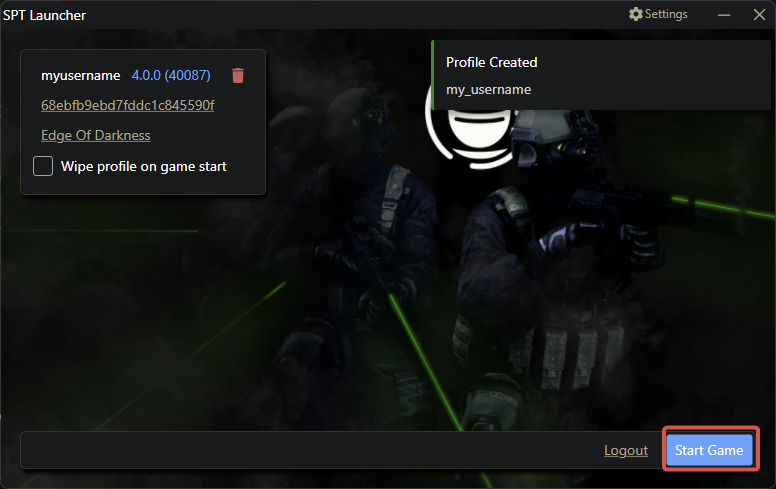
### Create or login to your account then start the game
{% endstep %}
{% step %}
### Validate that Fika successfully loaded
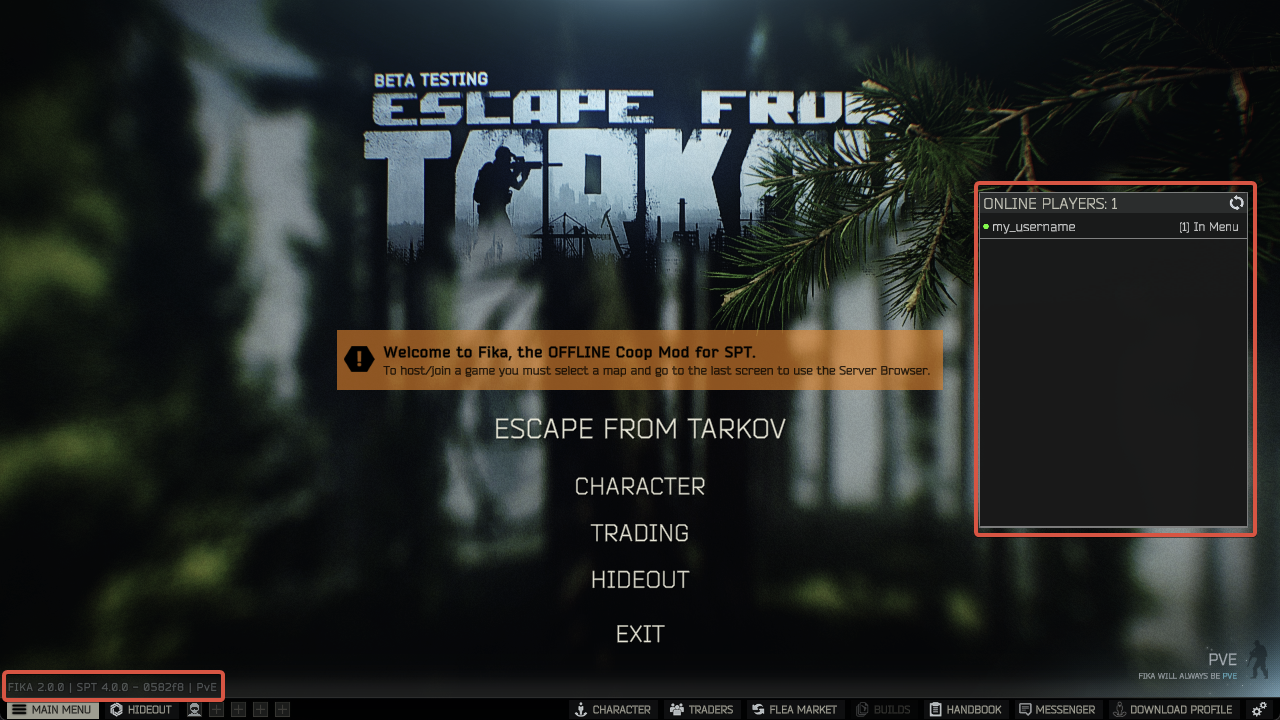
`FIKA x.x.x | SPT x.x.x` should appear at the bottom left corner of the main menu. You should also see the `Online players` widget on the right side of the main menu.
{% endstep %}
{% step %}
### Exit the game
{% endstep %}
{% endstepper %}